How to connect.
Pick your ROVEN360 and your phone. Setup takes about a minute.
1. Choose your ROVEN360
2. Which phone do you use?
3. Follow the steps
- 1
Open Find My
Open the Find My app on your iPhone. Tap Items, then + and Add Other Item.
-
 2
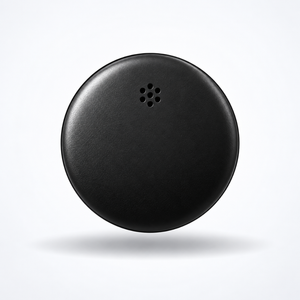
Wake your Orbit
Press the button on your Orbit until it chimes, then keep it close to your phone.
- 3
Tap Connect
Keep it next to your iPhone. When ROVEN360 Orbit appears, tap Connect and agree to add it to your Apple Account.
- 4
Name it
Pick a name and emoji, like Keys, then tap Continue and Done. It now shows in Find My.
-
 5
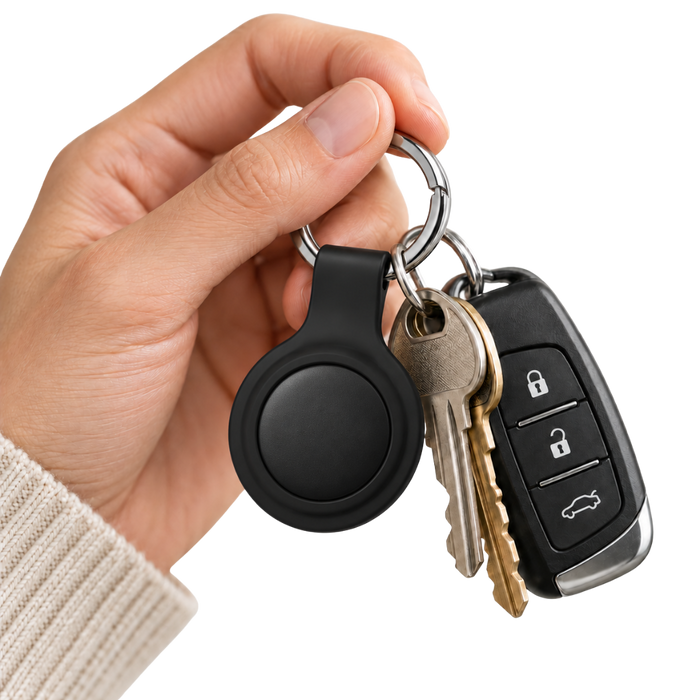
Attach it
Clip it onto the keychain, or snap it into the magnetic case and stick it somewhere hidden in your car. You can also drop it in a bag or suitcase.
- 1
Get your phone ready
Turn on Bluetooth and Location, and make sure you're signed in to Find Hub with your Google account.
-
2
Wake your Orbit
Press the button on your Orbit until it chimes, then keep it close to your phone.
- 3
Tap Connect
A pop-up appears on your phone. Tap Connect, then follow the prompts to add it to Find Hub.
- 4
Name it
Give it a name, like Keys. It now shows in the Find Hub app with where it was last seen.
-
5
Attach it
Clip it onto the keychain, or snap it into the magnetic case and stick it somewhere hidden in your car. You can also drop it in a bag or suitcase.
- 1
Open Find My
Open the Find My app on your iPhone. Tap Items, then + and Add Other Item.
-
 2
Wake your Slim
Make sure Slim is charged (place it on a Qi wireless charging pad if needed). Press the button on the front until it chimes, then keep it close to your phone.
- 3
Tap Connect
Keep it next to your iPhone. When ROVEN360 Slim appears, tap Connect and agree to add it to your Apple Account.
- 4
Name it
Pick a name and emoji, like Wallet, then tap Continue and Done. It now shows in Find My.
-
 5
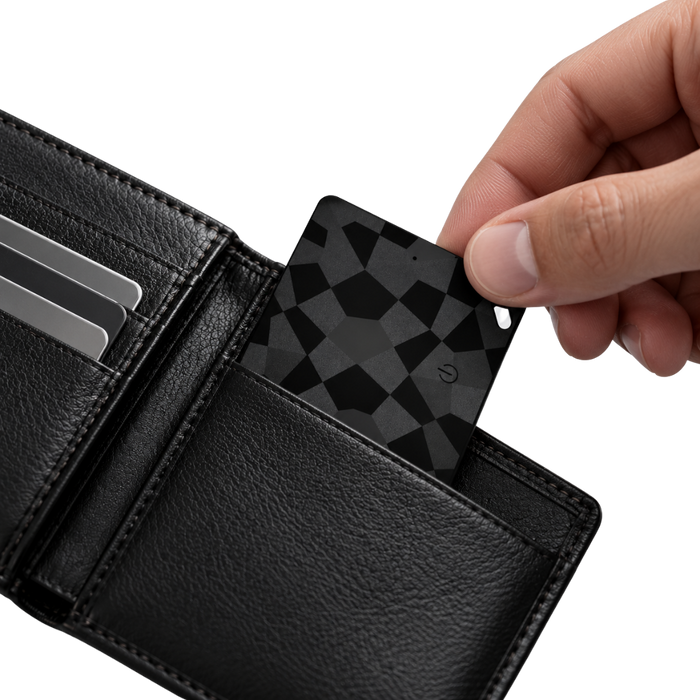
Slip it in your wallet
Slide Slim into a card slot in your wallet. At 1.8 mm thin, it fits like a bank card.

 ROVEN360 Slim
Item found nearby
- 1
Get your phone ready
Turn on Bluetooth and Location, and make sure you're signed in to Find Hub with your Google account.
-
2
Wake your Slim
Make sure Slim is charged (place it on a Qi wireless charging pad if needed). Press the button on the front until it chimes, then keep it close to your phone.
- 3
Tap Connect
A pop-up appears on your phone. Tap Connect, then follow the prompts to add it to Find Hub.
- 4
Name it
Give it a name, like Wallet. It now shows in the Find Hub app with where it was last seen.
-
5
Slip it in your wallet
Slide Slim into a card slot in your wallet. At 1.8 mm thin, it fits like a bank card.
- 1
Open Find My
Open the Find My app on your iPhone. Tap Items, then + and Add Other Item.
-
 2
Wake your Meow
Press the button on the tracker until it chimes, then keep it close to your phone. Pair it before you put it in the collar.
- 3
Tap Connect
Keep it next to your iPhone. When ROVEN360 Meow appears, tap Connect and agree to add it to your Apple Account.
- 4
Name it
Pick a name and emoji, like Bella, then tap Continue and Done. It now shows in Find My.
-
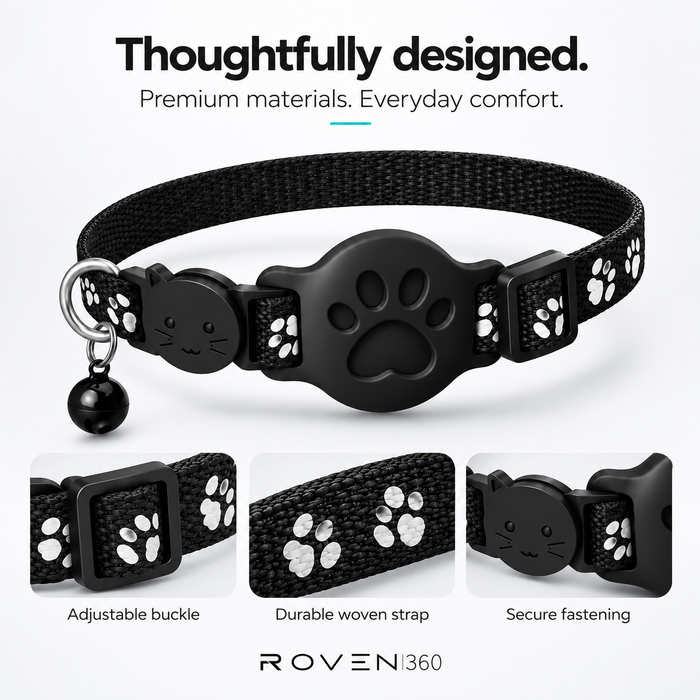 5
Fit it to the collar
Press the tracker into the holder on the collar until it clicks, then fasten the collar so two fingers fit underneath.
 ROVEN360 Meow
Item found nearby
- 1
Get your phone ready
Turn on Bluetooth and Location, and make sure you're signed in to Find Hub with your Google account.
-
2
Wake your Meow
Press the button on the tracker until it chimes, then keep it close to your phone. Pair it before you put it in the collar.
- 3
Tap Connect
A pop-up appears on your phone. Tap Connect, then follow the prompts to add it to Find Hub.
- 4
Name it
Give it a name, like Bella. It now shows in the Find Hub app with where it was last seen.
-
5
Fit it to the collar
Press the tracker into the holder on the collar until it clicks, then fasten the collar so two fingers fit underneath.
- 1
Open Find My
Open the Find My app on your iPhone. Tap Items, then + and Add Other Item.
-
2
Wake your Woof
Press the button on the tracker until it chimes, then keep it close to your phone. Pair it before you put it in the collar.
- 3
Tap Connect
Keep it next to your iPhone. When ROVEN360 Woof appears, tap Connect and agree to add it to your Apple Account.
- 4
Name it
Pick a name and emoji, like Max, then tap Continue and Done. It now shows in Find My.
-
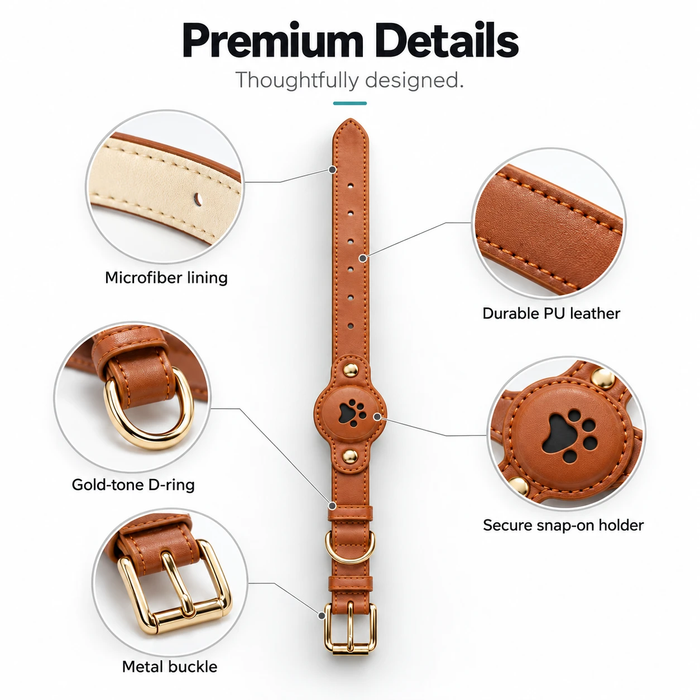 5
Fit it to the collar
Snap the tracker into the holder on the collar, then buckle the collar so two fingers fit underneath.
 ROVEN360 Woof
Item found nearby
- 1
Get your phone ready
Turn on Bluetooth and Location, and make sure you're signed in to Find Hub with your Google account.
-
2
Wake your Woof
Press the button on the tracker until it chimes, then keep it close to your phone. Pair it before you put it in the collar.
- 3
Tap Connect
A pop-up appears on your phone. Tap Connect, then follow the prompts to add it to Find Hub.
- 4
Name it
Give it a name, like Max. It now shows in the Find Hub app with where it was last seen.
-
5
Fit it to the collar
Snap the tracker into the holder on the collar, then buckle the collar so two fingers fit underneath.
One network at a time. Each ROVEN360 works with Find My or Find Hub, not both at once. To switch phones, reset it and follow these steps again.
Phone screens are illustrations. Exact wording depends on your phone and app version. Stuck? Message us and a real person will help.
